Digital documents & forms

with artificial intelligence

Capture data mobile, automated, and error-free – completely without paper chaos. Digital documents from geoCapture can be individually customized and enhanced with photos or GPS data. Thanks to AI support, a brief input is all it takes to generate complete documentation within seconds.


Over 4,000+ satisfied customers

KRONE Logo – Hersteller für Landmaschinen und Nutzfahrzeuge
Quathamer Unternehmenslogo
Julius Schöbel Logo in grauer Schrift
eqqo Logo als dezente Wortmarke in grauer Schrift
CORDES Logo – Spezialist für Stahl, Rohre und industrielle Lösungen
Schernthaner Logo mit stilisierten Bäumen und Bergen
Logo Thestorf GmbH – Garten- und Landschaftsbau

AI-POWERED CONSTRUCTION LOG – FAST. PRECISE. ERROR-FREE.

AI writes – you build. Create your construction log in record time with AI that thinks for you. The benefits are clear: faster input, error-free reports, no language barriers, and significantly more time for your projects.


Here’s how the AI Construction Log from geoCapture works!

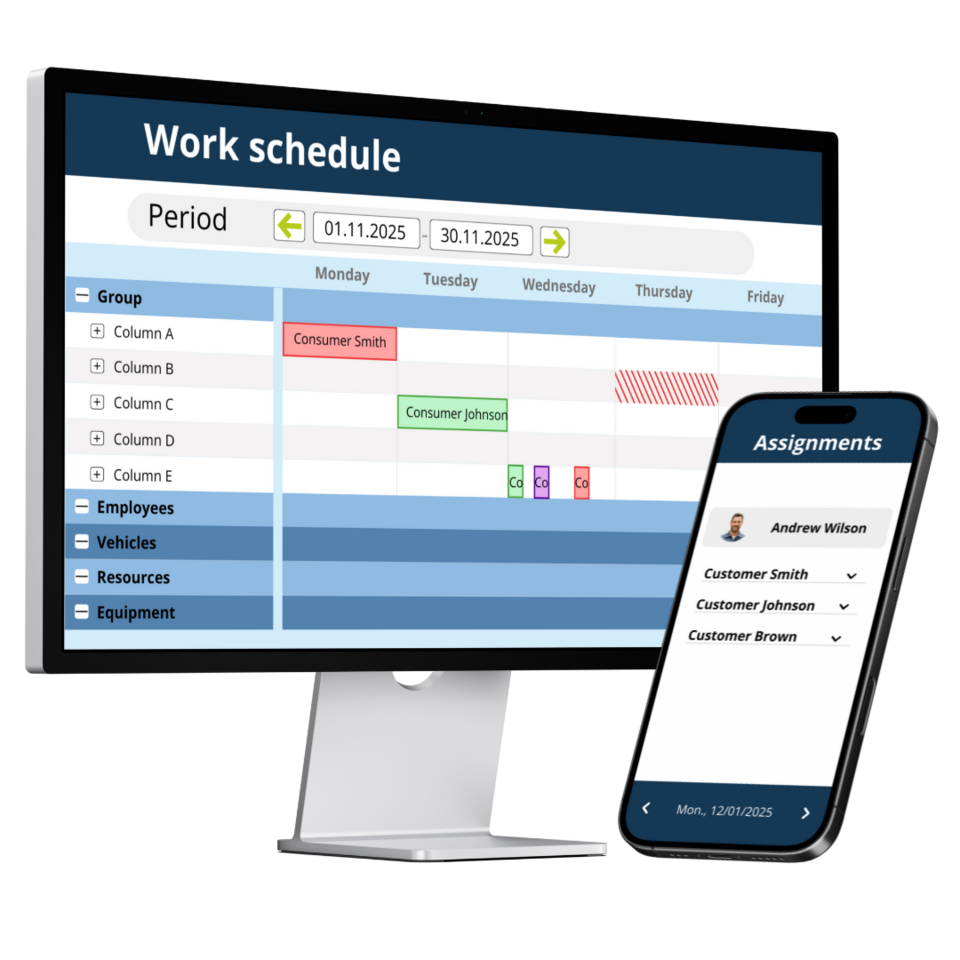
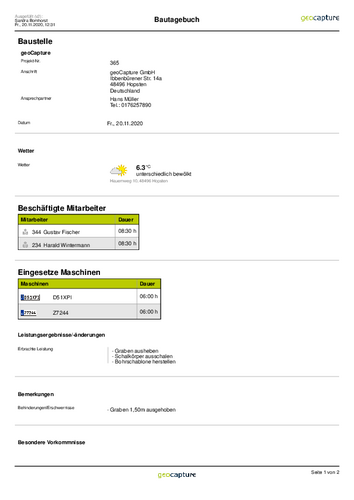
Personnel and machines in the digital construction diary

geoCapture determines the personnel deployed directly from the mobile time recording system. Employees, working times and break times on the construction site are determined automatically. This saves tedious entries, saves a lot of time and avoids errors.

The use of machines must also be recorded in the construction diary. GPS tracking in the construction machinery helps here. The operating times of the machines are automatically determined via geofences and can be transferred directly to the construction diary. An app couldn't be more convenient.

Photos, signatures, sketches, weather

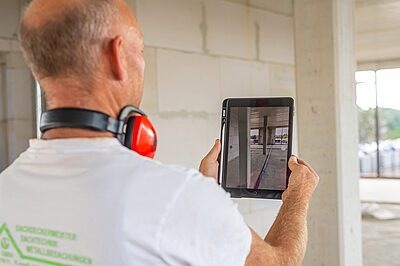
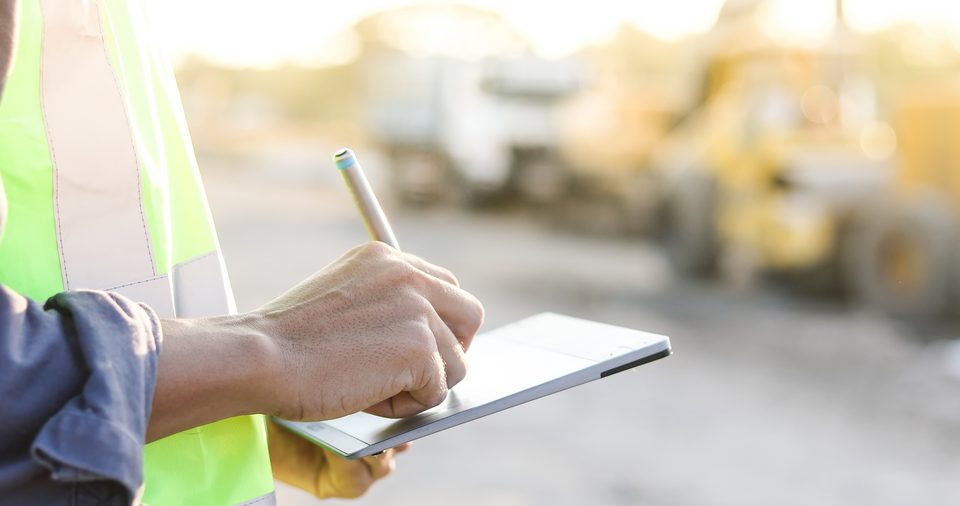
No matter where you are - you can complete all the functions of the construction diary conveniently via the app. Take photos, sign documents or create sketches. geoCapture automatically determines weather data, personnel and machine deployment. Everything works very simply via the app. With just a few clicks, you have made your entries and your construction diary is ready for approval. geoCapture offers maximum ease of use with the app and enables simple, mobile working.


Completely flexible in structure

geoCapture compiles your personal construction diary according to your requirements. You determine the structure and specifications in the construction diary yourself. You simply create your own form from a variety of modules. The result is a construction diary that exceeds your expectations.

THE PAPER CHAPTER IS OVER - VELTMANN-VOORBRINK KEEPS A DIGITAL CONSTRUCTION DIARY

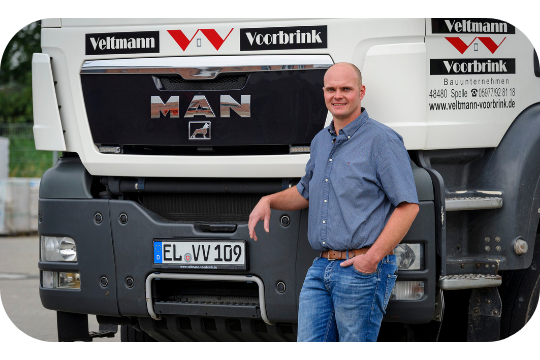
The company Veltmann-Voorbrink GmbH from Spelle in southern Emsland has put an end to slips of paper for timesheets or daily construction reports.

Veltmann-Voorbrink, a classic medium-sized company, is active in Emsland, around Osnabrück and in Münsterland and builds single-family homes as well as commercial properties, including construction projects in agriculture.

The following applies to all projects: on the construction site, paper is history and has made way for solutions from geoCapture.


Workflow for further digital processing

Once a daily report has been recorded, it is sent digitally to the head office for further processing. Using a defined workflow, the report is routed electronically through the approval process in the company. The paperwork is a thing of the past. Nothing gets lost, nothing is left unprocessed and your work processes are significantly accelerated.

Supplements can be registered even if the site manager is still on the road.

API interface for form data

The data recorded in the construction diary can be forwarded directly to the digital construction file in your ERP system via APIs. This means that both the net data and the finished PDF can be used in your existing software. Time-consuming double entries are avoided.

Your software provider will help you set up the interface to geoCapture.

Request a quote now!

Enthusiastic? Digitize your construction documentation now with the digital construction diary from geoCapture.

Request a quote