
Time tracking with timeFlow
- From the construction site directly to the office
Put an end to timesheet chaos, incorrectly calculated expenses and questions before payroll accounting. timeFlow records, checks and delivers payroll-ready data - without rework in the office.
Over 4,000 satisfied customers already use geoCapture
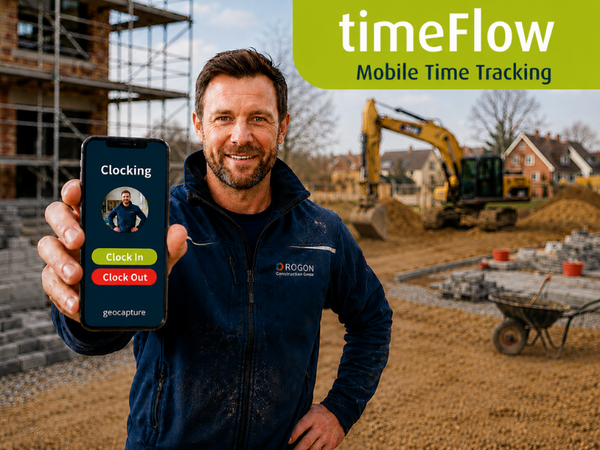


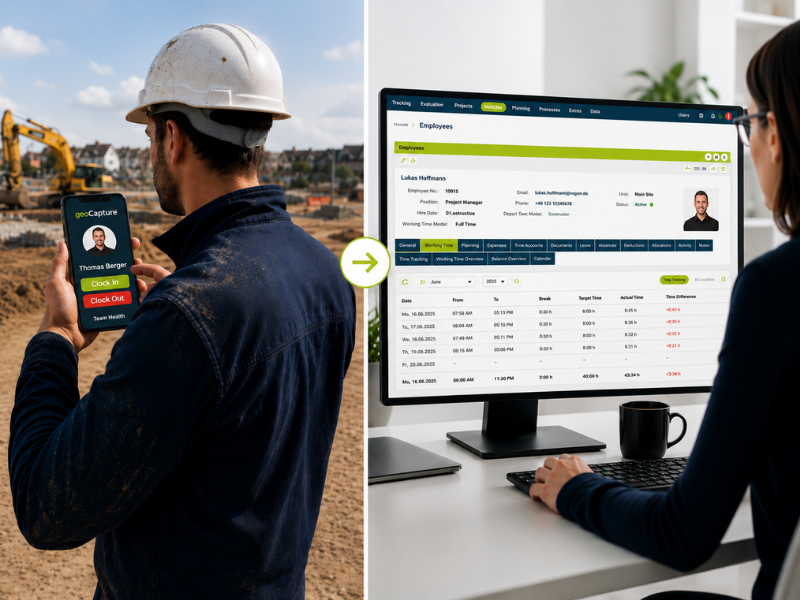
Working times arrive cleanly in the office
Times are recorded directly in the field. Timesheets no longer need to be collected, deciphered or transferred.No more manual recalculation
Breaks, travel time, expenses and allowances are taken into account according to your specifications. This reduces checking and rework.Every assignment is easier to track
Times are assigned to the appropriate job, project or location. This allows services to be billed and recalculated more clearly.Preparing wages becomes much easier
Prepared data for payroll accounting is created from recorded times. Your office works faster and with fewer queries.
Complete timesheets
Record times. It's child's play.
Complete timesheets arrive at the office - neatly recorded, legible and directly assigned to the correct assignment. Timesheets no longer have to be collected, deciphered or asked for. This saves your administration time every day.
- Fewer queries in the office.
- Automatic booking rules.
- No manual recalculation.
- Times are clearly documented.
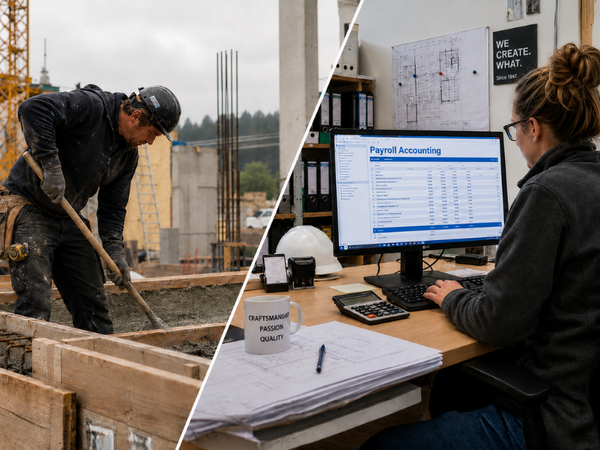
Times for payroll and wages
Payroll accounting? It runs.
Recorded working times can be used directly for payroll, projects and cost control. Your office works with prepared data instead of timesheets, queries and manual transfers.
- Faster payroll preparation.
- Clean project accounting.
- Correct expenses and allowances.
- Less office work.
Absenteeism and availability
Available employees always in view.
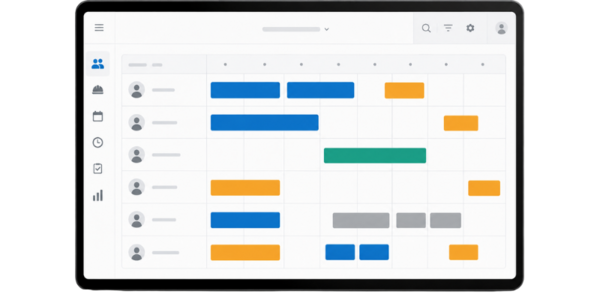
Holiday, illness, bad weather and applications are centrally visible. Your office recognizes early on who is available, where replacements are needed and which assignments can be safely filled.
- Employee attendance at a glance.
- Plan holidays and absences better.
- Recognize bottlenecks early on.
- Fill shifts safely.


Find out more about our individual time recording solutions.
Our team will be happy to advise you free of charge and without obligation!
Tel: +49 5458 936 668-0
Mail: info@geocapture.de
Six ways to record times.
A system for the office.
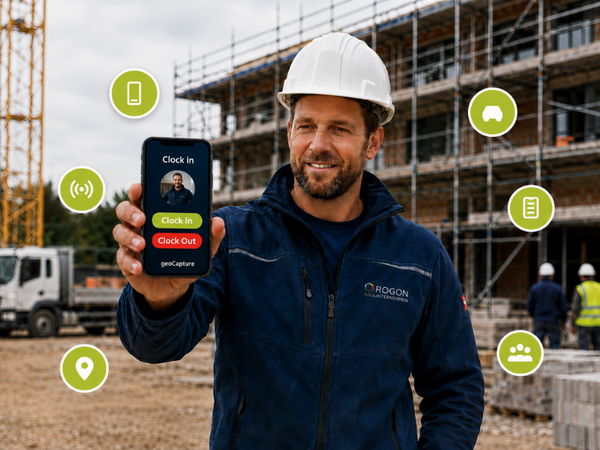
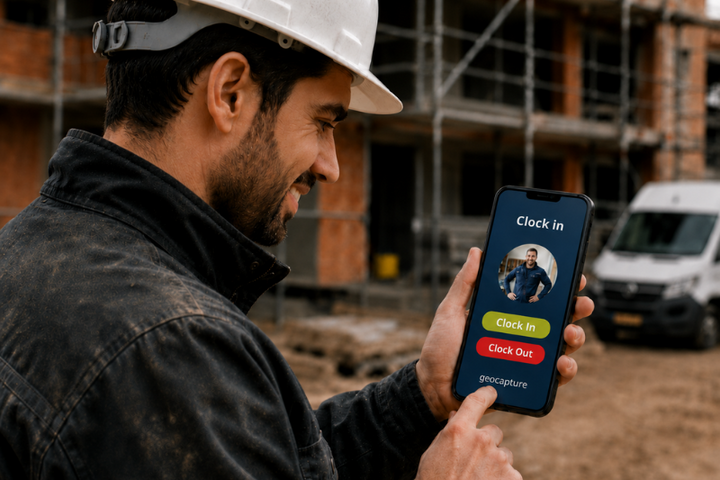
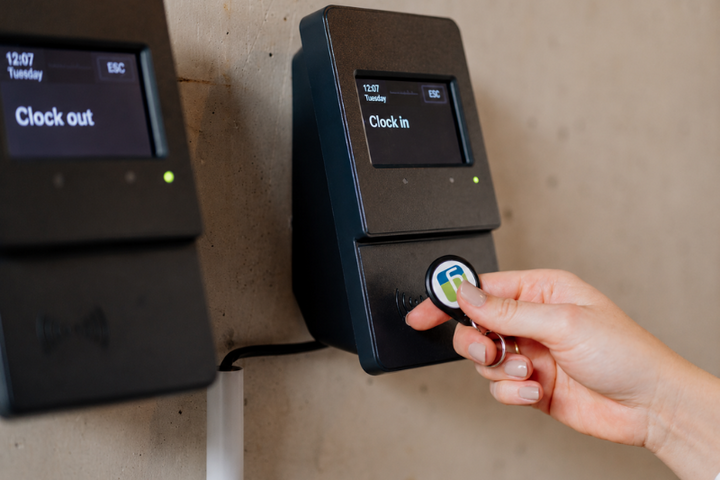
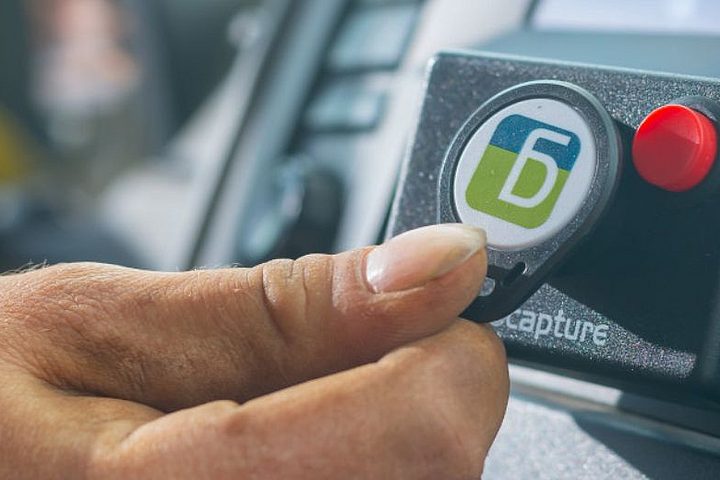
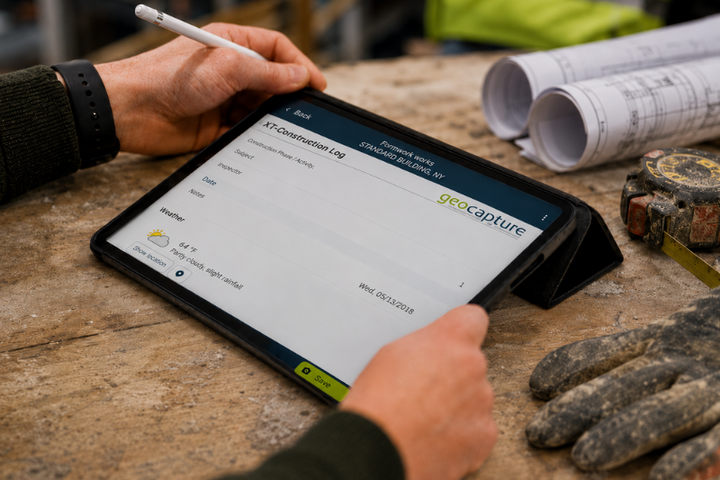
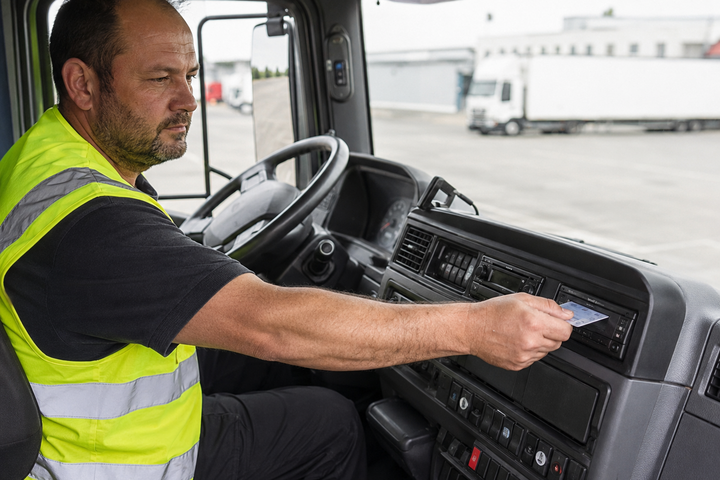
On the construction site, on the road in a vehicle or stationary in the office: your employees record times where it is easiest in everyday life. All data comes together in one place.
More automation. Less office work.
Time recording that takes work off your hands.
timeFlow checks, supplements and processes working time data according to your rules. This results in less rework in administration, payroll accounting and project controlling.
Better data quality
Automatic pause rules and target/actual comparisons ensure consistent data.
Less rework in the office
expenses, allowances and overtime can be prepared based on rules.
Automatic error detection
Missing breaks, duplicate stamps or conspicuous bookings become visible.
Useful AI support
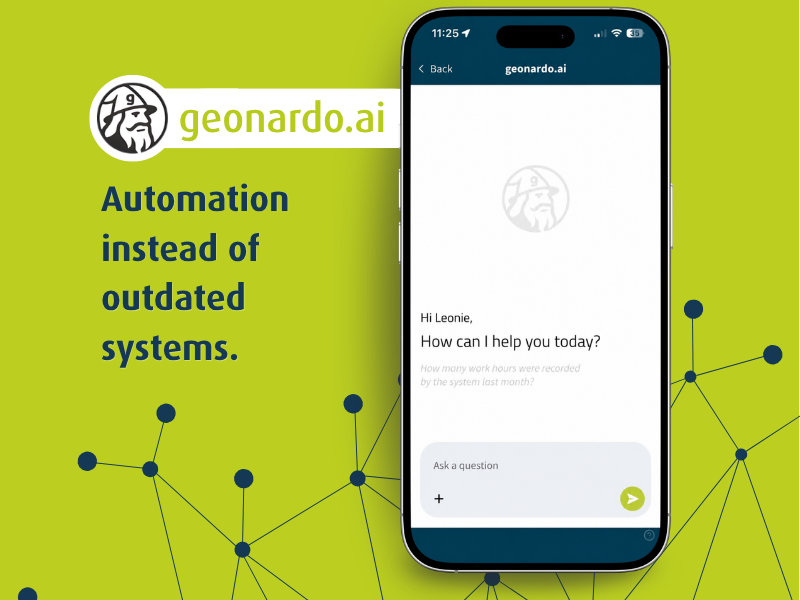
geonardo.ai can check times, prepare bookings and create evaluations.
One system. All possibilities.
Time recording is just the beginning.
With timeFlow from geoCapture, you benefit not only from time recording, but also from many other personnel management functions!
Absence management
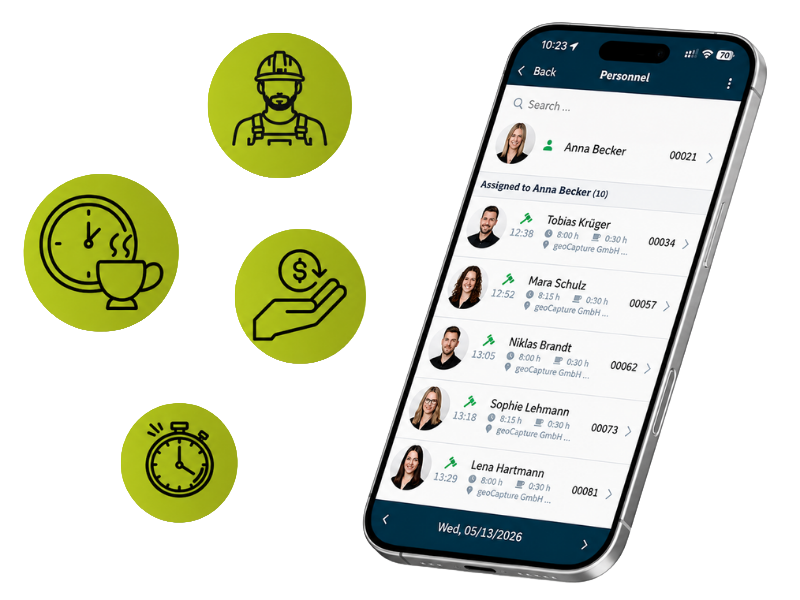
Holidays, sick leave and other absences are recorded digitally in the system and are immediately available for team planning, absence overviews and payroll preparation. This saves your office unnecessary follow-up questions and manual rework.
Versatile in use
One time recording system for your entire working day.
timeFlow adapts to your company: Your employees record times where they work. In the office, this automatically becomes usable data for projects, wages, absences and payroll.
Mobile or stationary time recording
Automatically book times to projects
Automatically book travel and setup times
Keeping an eye on absences and availability
Prepare payroll data completely
View data in real time in the office
-
How do employees record their working hours with timeFlow?
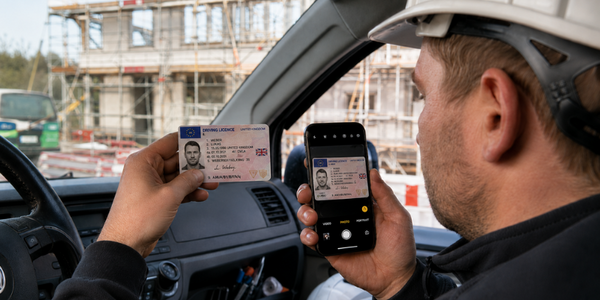
timeFlow offers six recording methods: via smartphone app, at the stationary RFID terminal, via RFID chip in the vehicle, location-based via GPS, directly in digital forms such as daily construction reports or via the tachograph download for truck drivers. Which method is most suitable depends on the location and the job. All bookings come together in one system.
-
Can a foreman record the times for his entire team?
Yes, this is also possible if you wish. With crew clock-in, the foreman or team leader records the working times of all employees together. The times are still documented individually and assigned to the correct job. This is particularly practical in companies where not every employee uses their own company mobile phone.
-
Are breaks, expenses and expenses calculated automatically?
Yes, you store your company rules once in timeFlow. Break times, overtime, bonuses and expenses are then calculated automatically and assigned to the correct pay categories. The office no longer has to manually recalculate or collect receipts at the end of the month.
-
How do the recorded times get into payroll accounting?
timeFlow prepares the recorded data so that it can be used directly for payroll accounting. The data is transferred via the Sage interface or other ERP connections without your office having to type in timesheets or transfer them manually.
-
How does timeFlow automatically assign working times to the right project?
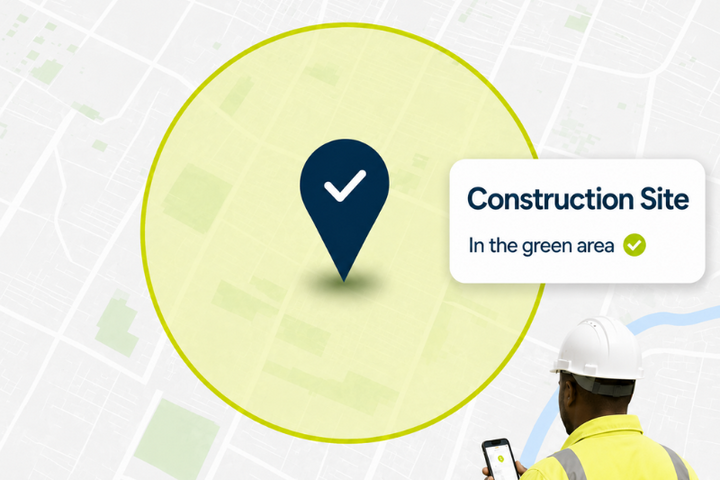
Using GPS and geofence, timeFlow recognizes where work is being carried out and automatically assigns the times to the appropriate job or project. Employees do not have to manually select which construction site they are currently on. This improves data quality and saves rework during project billing.
-
Does timeFlow recognize incorrect or missing time entries?
Yes, the system automatically checks for missing breaks, double clockings or conspicuous records and makes them visible. Your office can make targeted corrections instead of going through all timesheets individually at the end of the month.
-
What is the tachograph download?
For companies with a fleet of lorries, timeFlowk takes driving, working, loading, break and rest times directly from the digital tachograph. These times flow automatically into the time recording system and do not have to be recorded separately or transferred manually.
-
Can holiday, illness and other absences be managed in timeFlow?
Yes, holiday, illness, bad weather and other absences are managed centrally. Employees submit requests digitally and line managers approve them in the system. The office can always see who is available and where replacements are needed.
-
What is the Bradford factor in timeFlow?
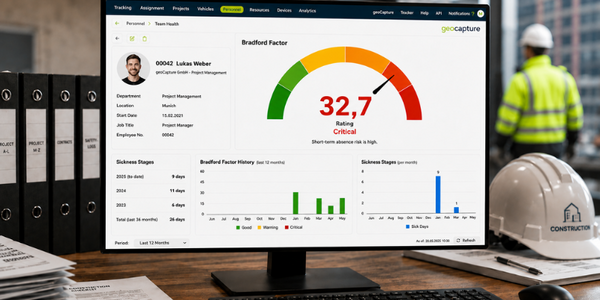
The Bradford factor makes absenteeism patterns visible. Frequent short absences are identified before they become a problem. This gives your HR management a factual basis for discussions and deployment planning.
-
What does geonardo.ai do for time recording?
In the premium package, geonardo.ai automatically checks recorded times for plausibility, prepares bookings such as expenses and allowances and can check and approve applications. This reduces manual checking steps in the office and speeds up the entire process from clocking to payroll handover.
-
Can I connect timeFlow with our existing systems?
Yes. timeFlow offers interfaces to Sage, ERP systems as well as APIs and webhooks for individual connections. Existing workflows in payroll accounting or project controlling are retained. Time recording becomes a data source, not an isolated solution.
